iOS 27: Hidden Features Apple Didn’t Mention at WWDC 2026
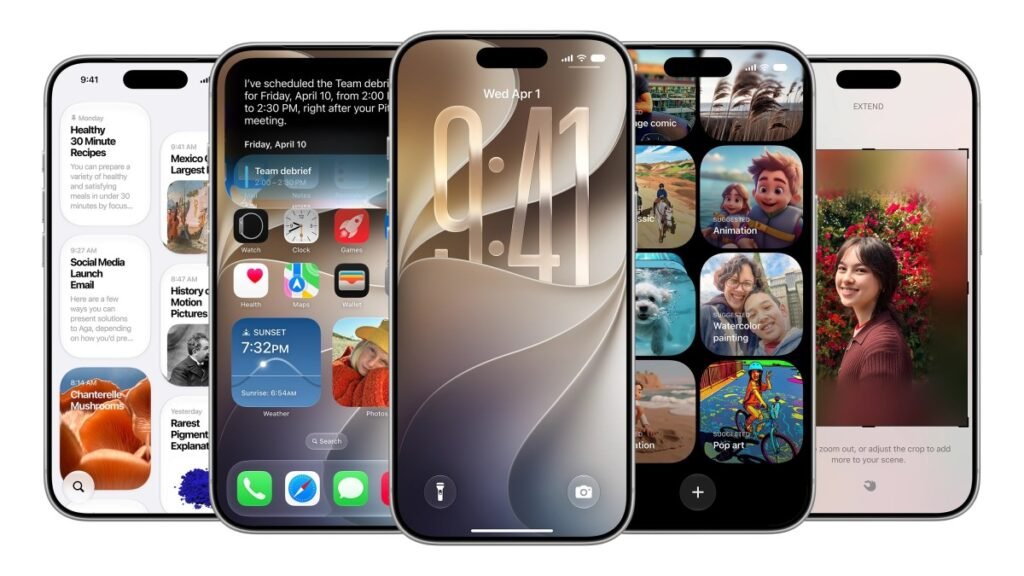
While Apple’s WWDC 2026 keynote was dominated by the debut of its new Siri AI, the release of iOS 27 includes a variety of under-the-radar refinements. These smaller adjustments, though not highlighted on stage, aim to streamline daily interactions for iPhone users.
Customization and Productivity
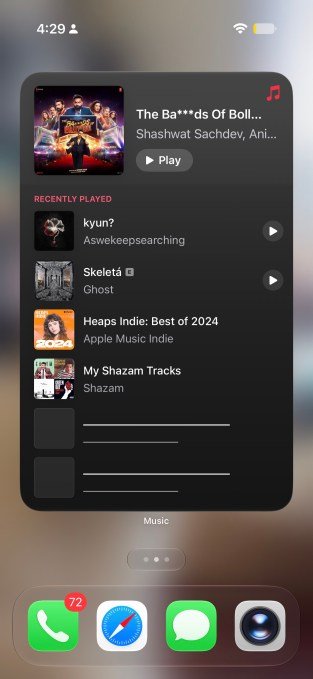
Apple has introduced more flexibility for the home screen and messaging. Users can now utilize full-screen widgets, providing a more expansive view of calendars or news feeds.
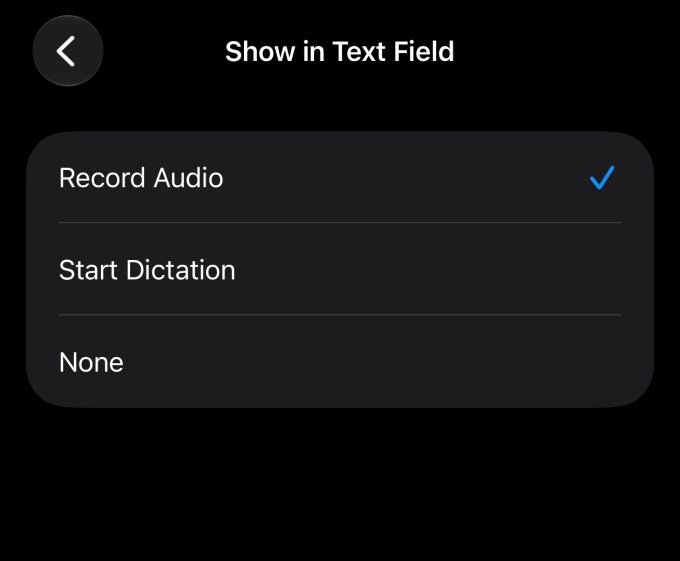
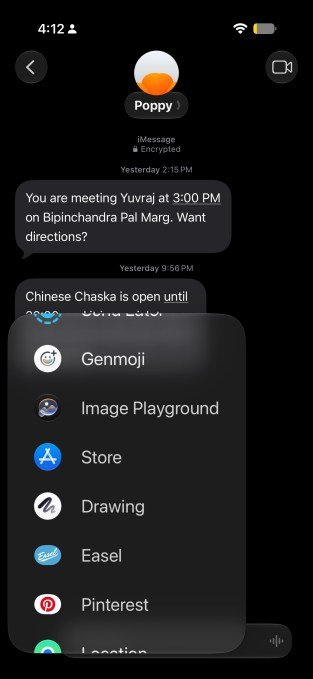
In the Messages app, users now have greater control over the interface. You can opt to show or hide the voice recording and dictation buttons. Additionally, a new drawing tool allows for sketching notes or diagrams directly within conversations.
System Utilities and Interface Tweaks
Several functional improvements have been integrated into the system settings:
- Audio Control: Users can now set independent volume levels for alarms, timers, and system sounds. This is accessible by navigating to Settings > Sounds & Haptics and disabling the “Match Ringtone Volume” toggle.
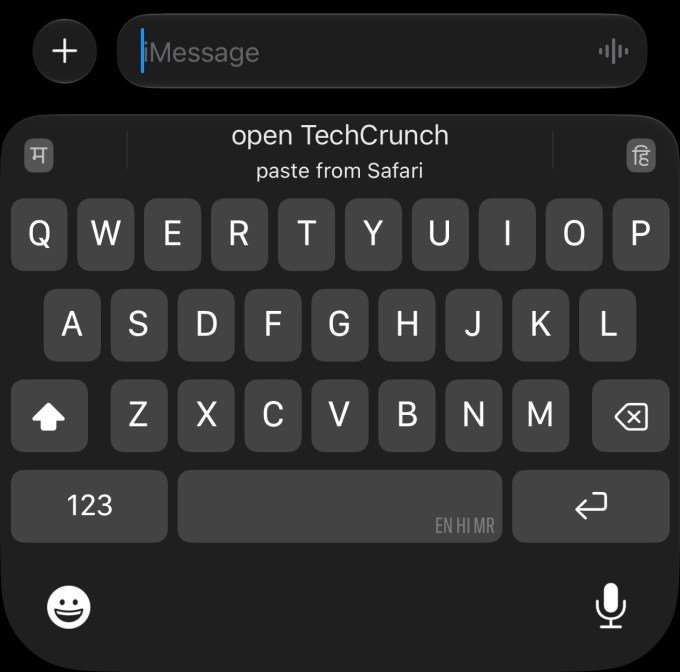
- Clipboard Efficiency: Copying and pasting is more intuitive. When content is in the clipboard, an option to paste appears directly on the keyboard, similar to the existing workflow for one-time passcodes.
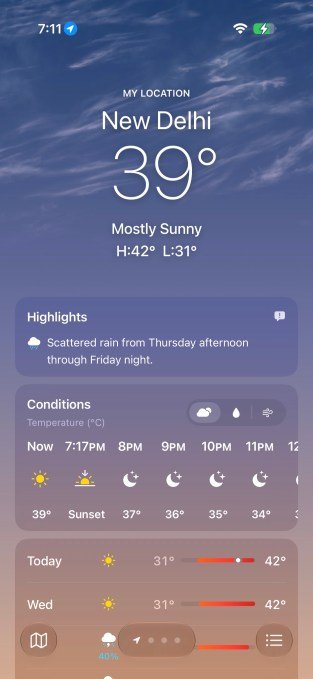
- Weather App: The interface has been updated to include a highlights section for upcoming weather events and allows for easier toggling between Conditions, Precipitation, and Wind views.
Additional Enhancements
Beyond these, iOS 27 includes several minor but notable changes:
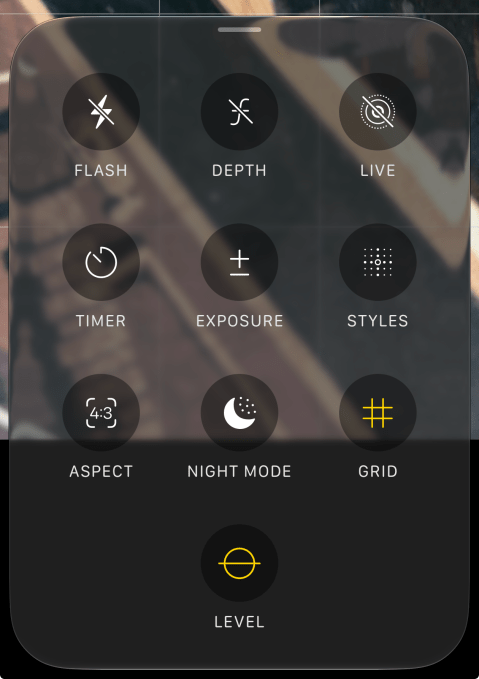
- Camera: Controls have been redesigned for quicker access to grid, depth, and level settings.
- Privacy: You can now hide your location from specific individuals in the Find My app for a set period without alerting them.
- Wallet: The app now supports the creation of custom passes.
- CarPlay: Audio scrubbing is now available.
- Syncing: Manual synchronization options for photos, files, and health data to iCloud have been added.
- Calendar: The app can now identify holidays and prompt users to review their scheduled alarms accordingly.