
Best Focus Apps to Block Distractions in 2025
Maintaining deep work often requires more than just willpower. Whether you are looking to curb social media habits or carve out dedicated blocks of time for high-priority tasks, digital tools can provide the necessary guardrails. As the new year approaches, here are the most effective applications and browser extensions to help you regain control of your attention.
Freedom
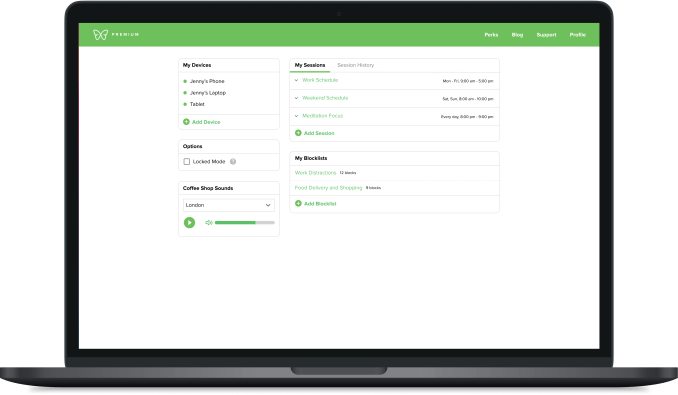
Freedom is designed for users who need cross-device synchronization. By setting specific blocklists for apps and websites, you ensure that if you attempt to access a forbidden site on your phone while working on your laptop, the app will trigger a block screen.
- Flexible scheduling: Start sessions immediately, plan them in advance, or set recurring blocks for daily routines.
- Advanced control: Choose to block the entire internet or whitelist only sites necessary for your workflow.
- Locked Mode: Prevents users from terminating a session before the timer expires.
- Pricing: $3.33/month (billed annually) or $8.99/month; a lifetime option is available for $199. A seven-day free trial is included.
Cold Turkey
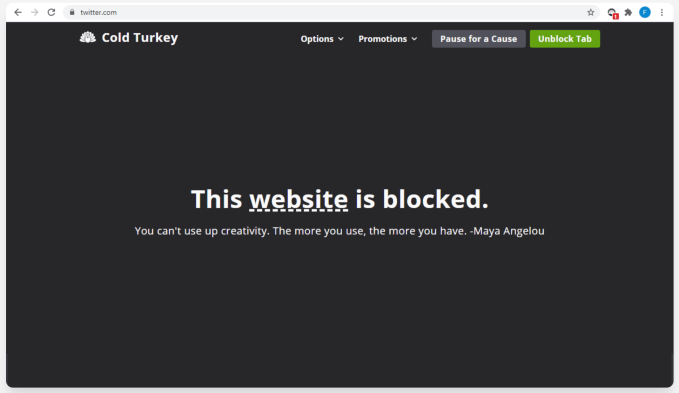
For those requiring a rigid approach to discipline, Cold Turkey provides an uncompromising solution. It is designed to be nearly impossible to circumvent once a block is initiated.
Users can restrict specific websites, applications, or even disconnect the entire internet. The “Frozen Turkey” mode takes this a step further by locking the user out of their computer entirely. While basic features are free, a one-time payment of $39 unlocks advanced capabilities like app blocking and scheduling.
Opal
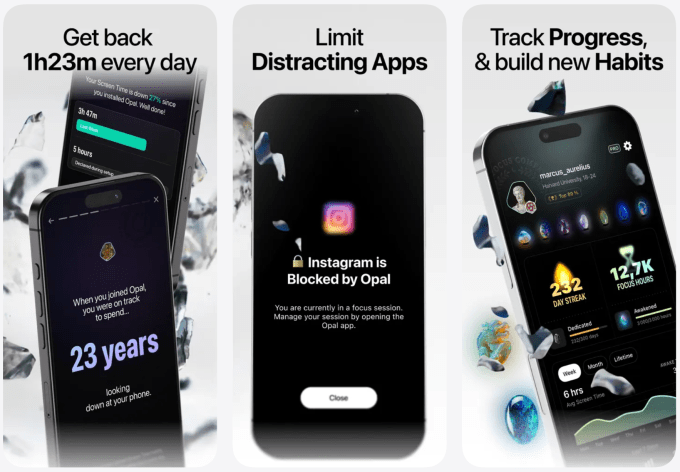
Opal functions as a comprehensive screen-time manager for iPhone, Android, and desktop. It allows users to group distractions into categories—such as gaming or social media—and enforce usage limits.
Beyond simple blocking, Opal provides analytical feedback, including a “focus score” and detailed weekly reports. While a free version is available, premium features like unlimited recurring sessions and more restrictive blocking settings cost $19.99 per month or $99 per year.
LeechBlock NG
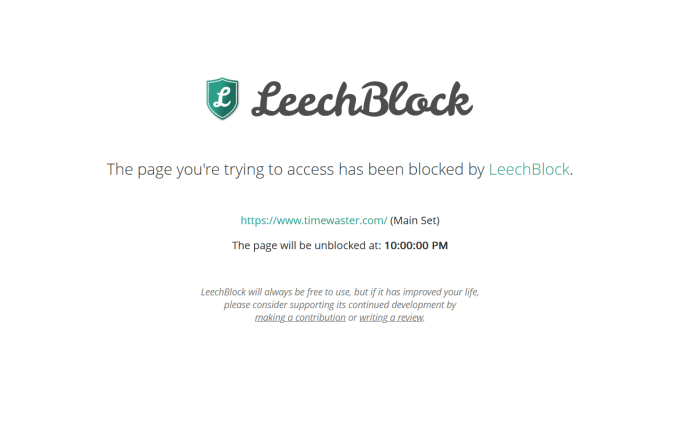
LeechBlock NG is a free browser extension that prioritizes simplicity. It allows users to create custom “block sets” that trigger during specific times of the day or on a one-off basis.
A unique feature of this tool is the “countdown delay.” Instead of outright blocking a site, the extension can force a waiting period—such as 10 minutes—before a page loads. This delay is often sufficient to discourage impulsive browsing, though users must remain disciplined enough not to switch to an unprotected browser.
Forest
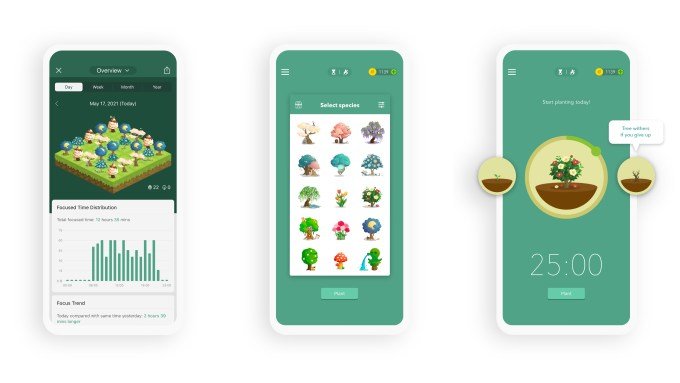
Forest takes a gamified approach to productivity. When a user needs to focus, they plant a virtual tree that grows as the timer runs. If the user leaves the app before the session ends, the tree withers.
Beyond personal tracking, the platform contributes to environmental causes. By maintaining focus, users earn coins that help fund real-world tree-planting initiatives through Trees for the Future. The browser extension is free, while the mobile versions vary in cost: the iOS app is $3.99, and the Android version is free with ads or $1.99 to remove them.