
Best iPad Productivity Apps to Supercharge Your Workflow 2026
While the iPad serves as a powerhouse for media consumption and web browsing, its true potential lies in its ability to function as a professional workstation. For those looking to move beyond Apple’s native Reminders or Calendar apps, a robust ecosystem of third-party software exists to streamline workflows, manage complex projects, and eliminate daily distractions.
We have evaluated the top-performing tools currently available on the App Store to help you organize your personal and professional life more effectively.
Milanote
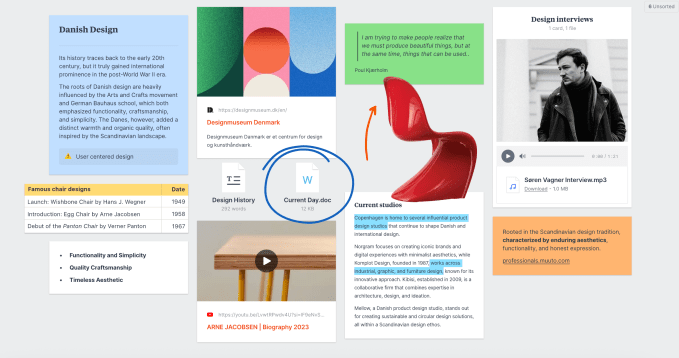
Milanote provides a canvas-based approach for users who prefer visual organization over traditional linear lists. It is particularly effective for mood boarding, project mapping, and creative planning.
- Visual Integration: Combine notes, images, videos, and sketches into a single board.
- Collaboration: Share boards with others to enable real-time editing and commenting.
- Versatility: Ideal for storyboarding, script drafting, and marketing campaign design.
The app offers a free tier, while a $9.99 monthly subscription unlocks unlimited notes and file uploads.
Goodnotes
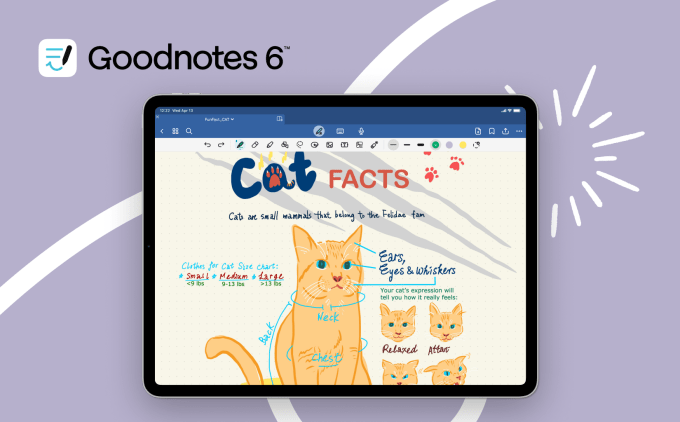
Goodnotes excels at bridging the gap between handwritten and digital notes. Designed for Apple Pencil users, it allows for a mix of handwriting, typed text, and diagrams on a single page.
Its integrated AI assistant helps summarize notes, solve math problems, and generate templates. Users can also record audio that syncs directly with their handwriting, making it an essential tool for meetings and lectures. While a limited free version exists, full access requires a $11.99 annual fee or a $35.99 one-time payment, with an additional AI Pass available for $9.99 monthly.
TickTick
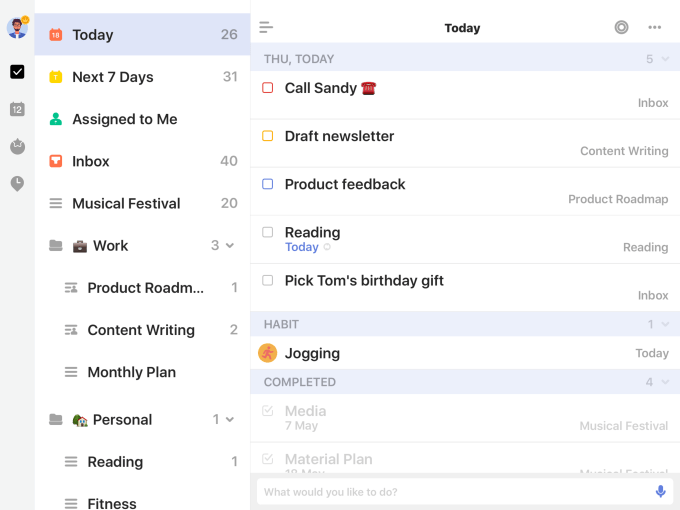
TickTick offers a comprehensive task management suite that syncs across all devices. Beyond standard to-do lists, it features habit tracking, email-to-task conversion, and calendar integration.
For those struggling with focus, the app includes a built-in “Pomo timer,” leveraging the Pomodoro Technique to divide work into manageable, high-intensity segments. A premium subscription is available for $3.99 per month or $35.99 per year for advanced features.
Forest
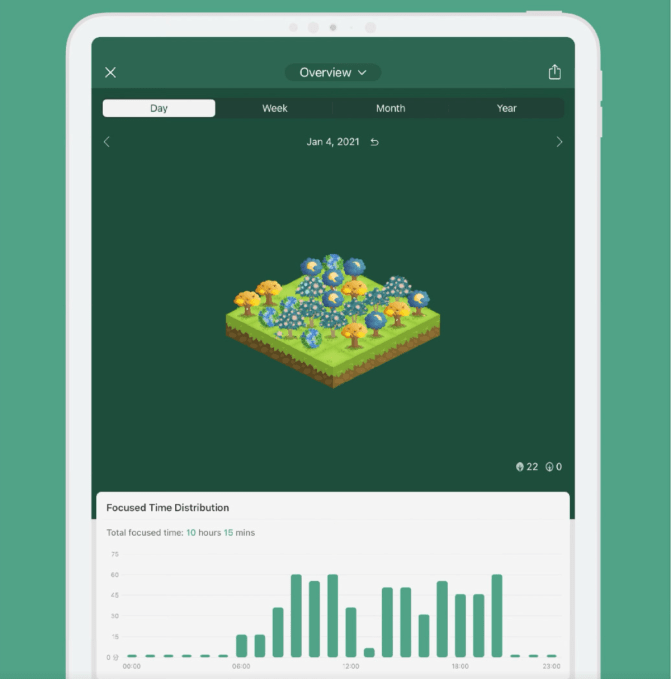
Forest gamifies deep work. By planting a virtual tree, users commit to staying off their devices for a set duration. Navigating away from the app causes the tree to wither, effectively curbing digital distractions.
Users can earn coins for staying focused, which can be used to support real-world tree planting efforts through Trees for the Future. The app is a one-time purchase of $3.99.
Notion
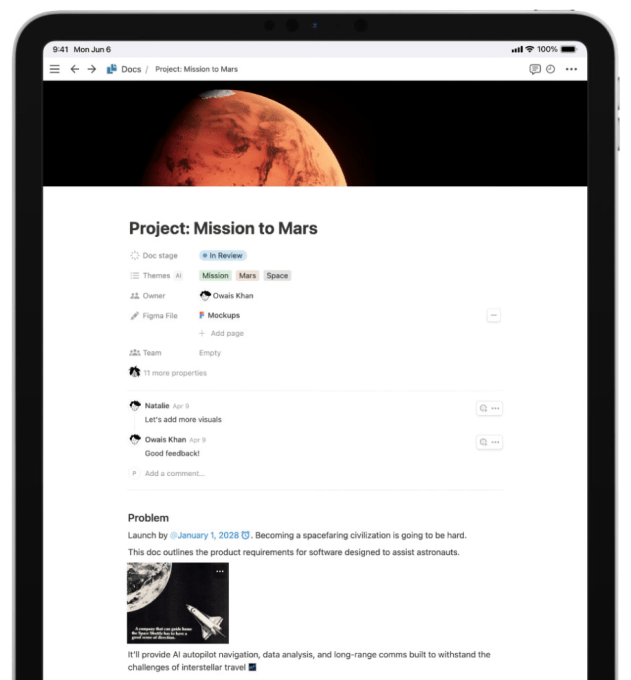
Notion acts as an all-in-one workspace. It combines note-taking, project management, and databases into a single, highly customizable interface. With integrated AI, users can brainstorm ideas, summarize lengthy documents, and automate workflows.
Notion is free for personal use, with paid tiers starting at $10 per month for small groups and $20 per month for business operations.
Crouton
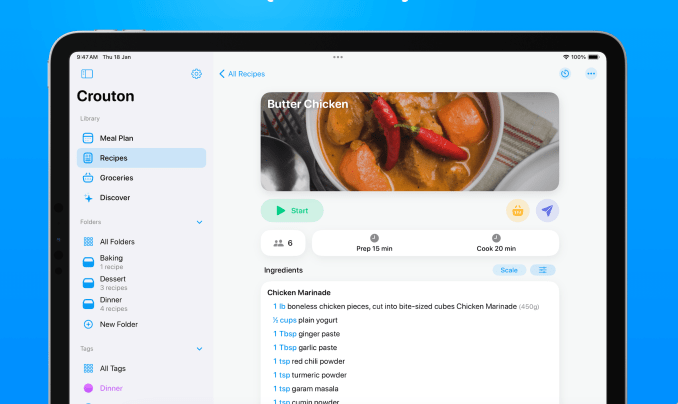
Crouton simplifies meal management by allowing users to import recipes from the web or scan them from physical cookbooks. It also automates grocery list creation based on weekly meal plans and includes built-in timers for cooking. Basic features are free, while unlimited access costs $14.99 per year.
Freedom
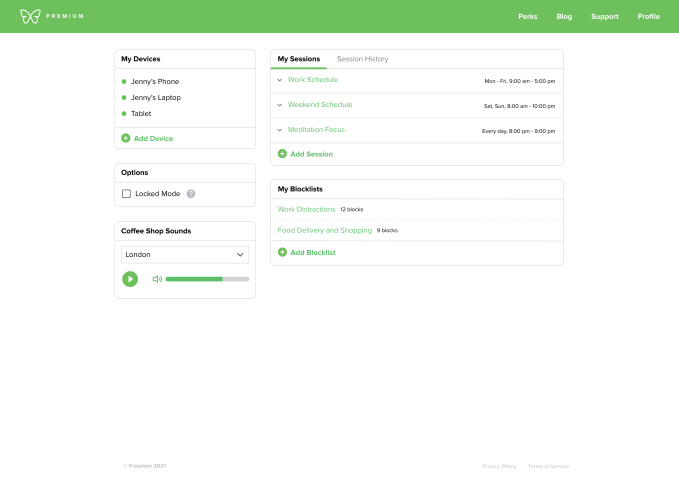
Freedom enables users to block distracting apps and websites across all connected devices simultaneously. Users can schedule recurring blocks or start sessions on demand. The app also offers ambient sounds to enhance focus and costs $3.99 per month.
Notability
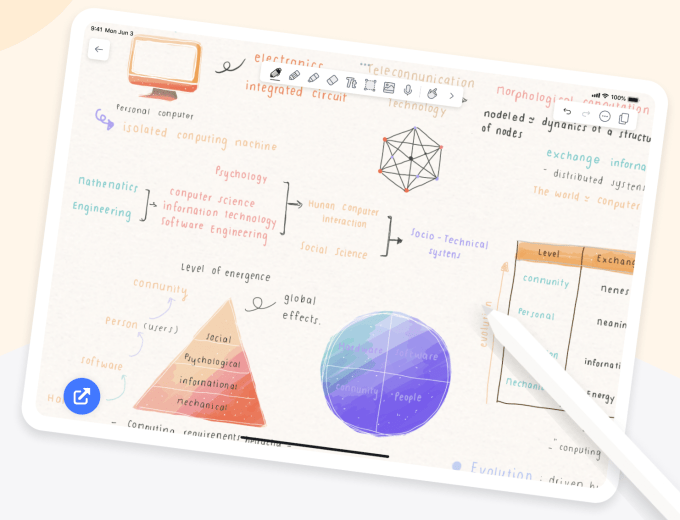
Notability is a versatile note-taking solution that supports text, audio recording, and Apple Pencil annotations. Its search functionality covers both typed and handwritten notes, and it includes AI-powered summaries to help synthesize information. While free to download, a $4.99 monthly subscription is required for advanced features like automated audio transcription and unlimited note storage.
Todoist
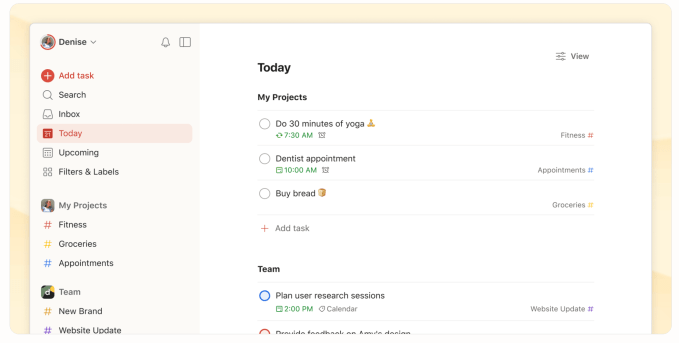
Todoist allows users to capture and organize tasks using natural language input. It integrates seamlessly with calendars, email clients, and Slack. A “Pro” subscription, which includes AI assistance and calendar views, is available for $4 per month.
Trello
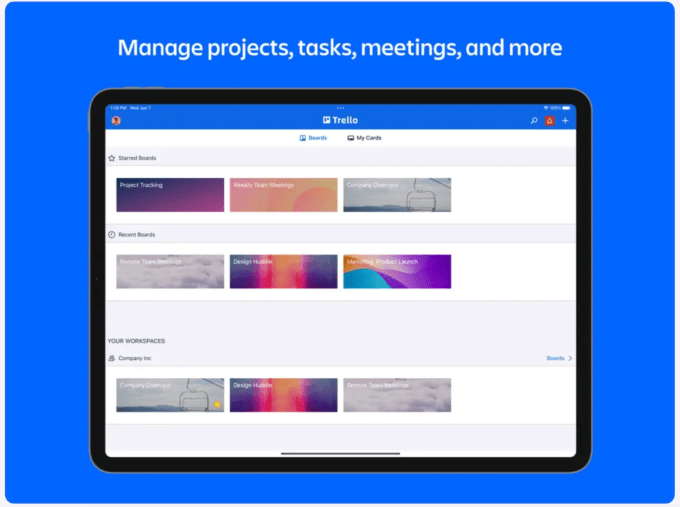
Trello utilizes a Kanban-style board system, perfect for those who think in sticky notes. By moving cards through “To Do,” “Doing,” and “Done” columns, users can visualize project progress. The free plan supports up to 10 boards, while the standard plan costs $5 per month for expanded functionality.