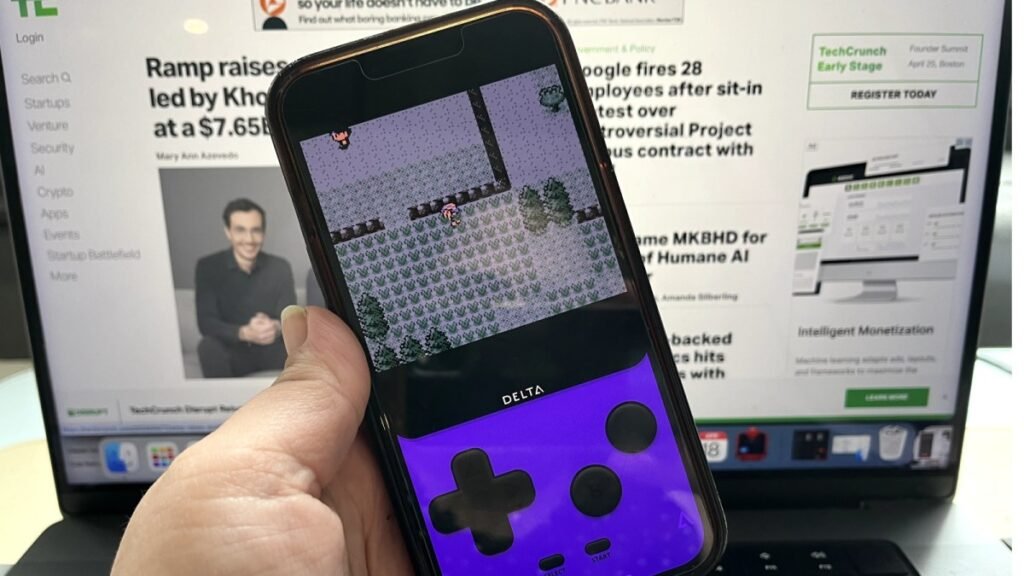
How to play retro games on iPhone with the Delta emulator
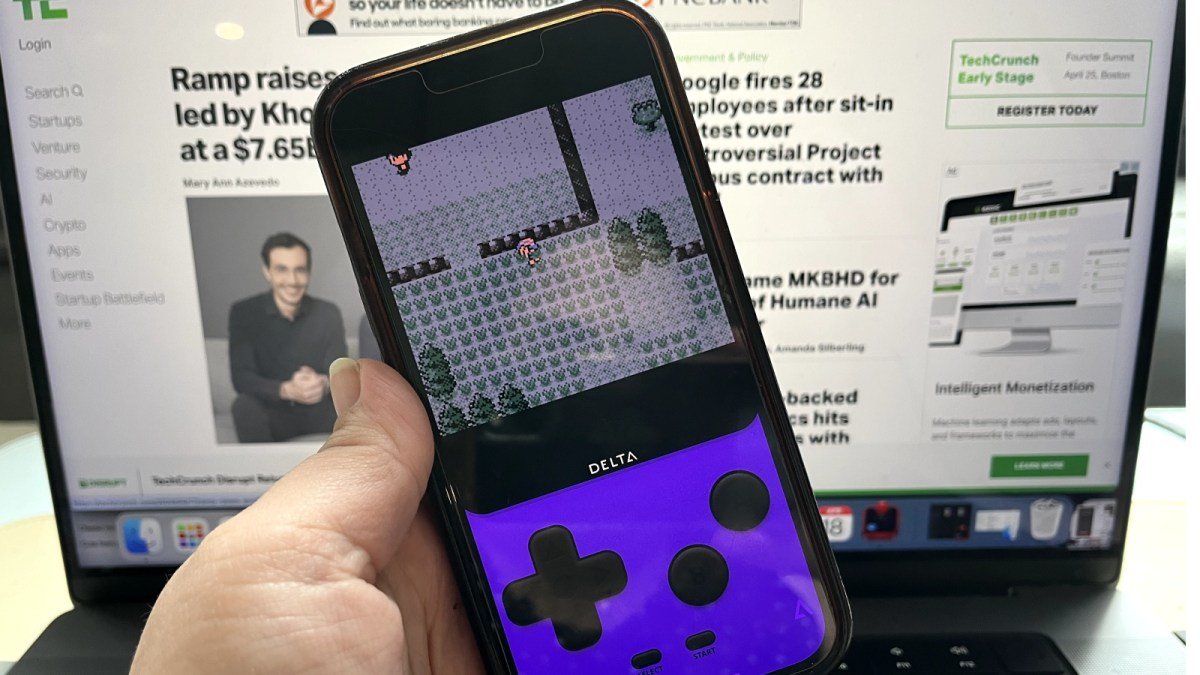
Apple has officially revised its App Store guidelines, granting developers worldwide permission to host retro game emulators on iOS. This change marks a significant departure from the company’s long-standing restriction, allowing users to run classic games directly on their iPhones without the need for jailbreaking or risky third-party software.
The shift brings a sense of closure for Riley Testut, the creator of the popular GBA4iOS emulator. Nearly a decade ago, Testut developed the app while in high school, only to see it pulled from circulation after Apple closed the sideloading loopholes it relied upon. Today, Testut’s latest project, Delta, has surged to the top of the App Store charts, accumulating 3.8 million downloads in just two weeks.
“It’s surreal how good the reception has been, and how many people are playing it,” Testut noted in an interview regarding the app’s decade-long development journey.
A New Era for iOS Emulation
The sudden policy change is widely attributed to mounting regulatory pressure on Apple, particularly regarding antitrust concerns and shifting legislation within the European Union. By allowing emulators, the tech giant is positioning itself to avoid further monopolistic scrutiny. Delta currently leads the entertainment category, offering support for a wide range of platforms:
- Game Boy and Game Boy Color
- Game Boy Advance
- Nintendo DS
- Nintendo 64
- NES and SNES
before emulating Pokemon on my iPhone I had to use my TI-84 like an animal pic.twitter.com/t7uMj8J5KS
— Riles 🫡 (@rileytestut) June 7, 2022
Getting Started with Delta
For those looking to revisit childhood favorites, the process is now straightforward. You can download Delta directly from the App Store. However, acquiring the actual game files—known as ROMs—remains a nuanced process.
Users who own physical cartridges can use hardware like Epilogue’s GB Operator to rip their own .ROM files legally. While the emulator itself is a legitimate tool, downloading ROMs from the internet can constitute piracy, a practice that remains legally contentious.
Once you have obtained your files, the integration process is simple:
- Transfer your .GBA or related game files to your iPhone via iCloud Drive, Google Drive, or email.
- If your files are compressed in .ZIP or .7Z formats, use an app like iZip to extract them first.
- Open the Delta app and tap the plus (+) icon in the upper-right corner to import your games from the Files app or iTunes.
Beyond standard titles, the enthusiast community continues to push boundaries through ROM hacking. Developers create patches that transform original games into entirely new experiences, such as the popular Pokémon Emerald Rogue. With Delta now available on the App Store, the barrier to accessing these classic and modded titles has effectively vanished.