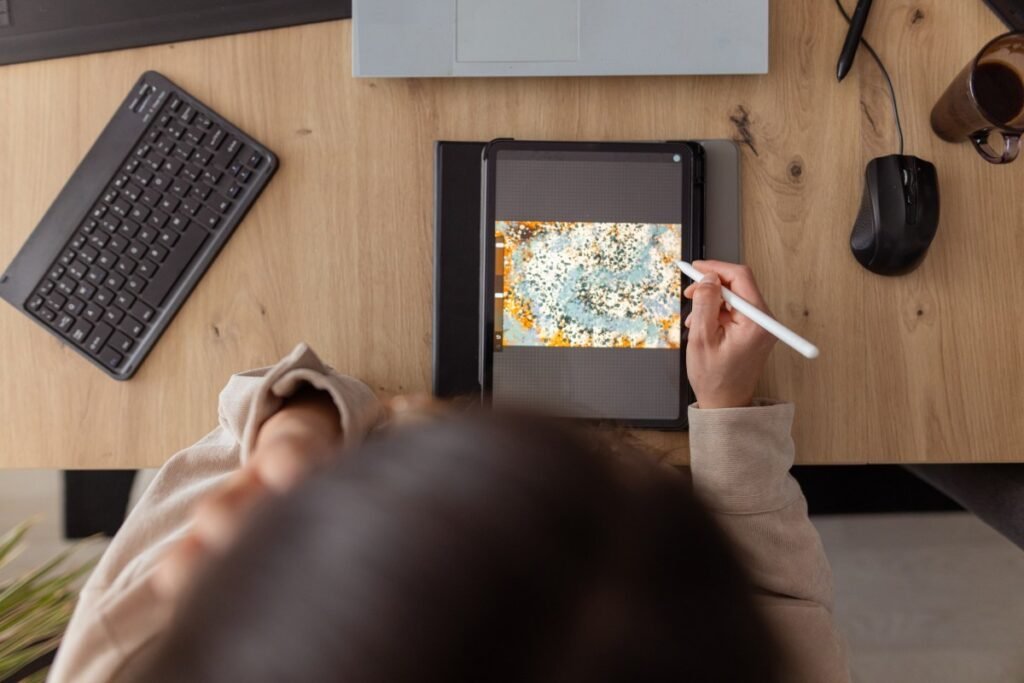
Best Creative iPad Apps to Boost Your Productivity
The iPad has evolved far beyond a simple device for browsing the web or streaming media. Today, Apple’s tablet serves as a robust creative workstation, capable of handling complex digital illustration, professional-grade video editing, and advanced graphic design workflows. If you are looking to unlock your tablet’s full potential, several standout applications are essential for your creative toolkit.
While industry staples like those from Adobe are common, the App Store is home to a variety of powerful, specialized alternatives. Here are some of the best creative iPad apps currently available to help you streamline your workflow and sharpen your artistic skills.
Lake
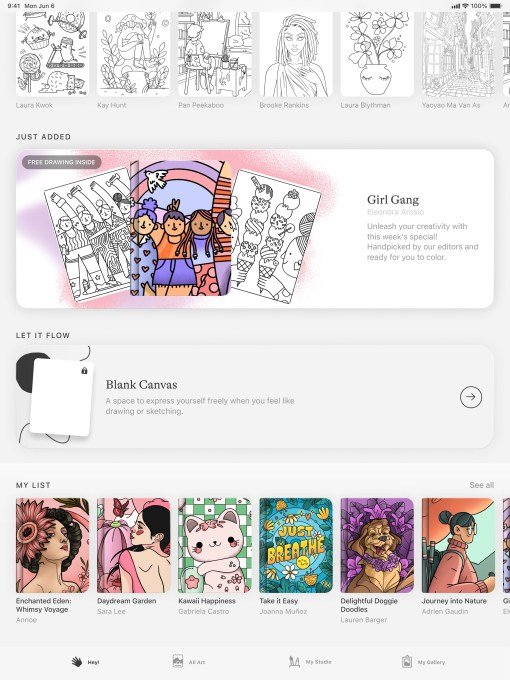
Lake offers a stress-relieving approach to creativity, focusing on digital coloring of hand-drawn illustrations. With over 700 colors and various brushes, it allows users to relax without the pressure of a blank canvas. While it features a coloring journal and free-drawing options, full access to the catalog requires a $9.99 monthly subscription.
Procreate
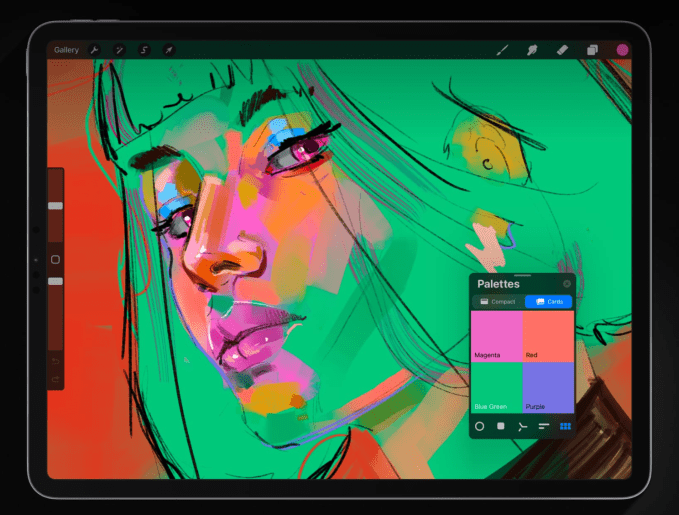
Procreate remains a premier choice for digital artists, supporting high-resolution canvases up to 16K by 8K. It includes specialized tools like QuickShape, Drawing Assist, and ColorDrop, alongside a time-lapse “Replay” feature. It is available for a one-time purchase of $12.99.
LumaFusion
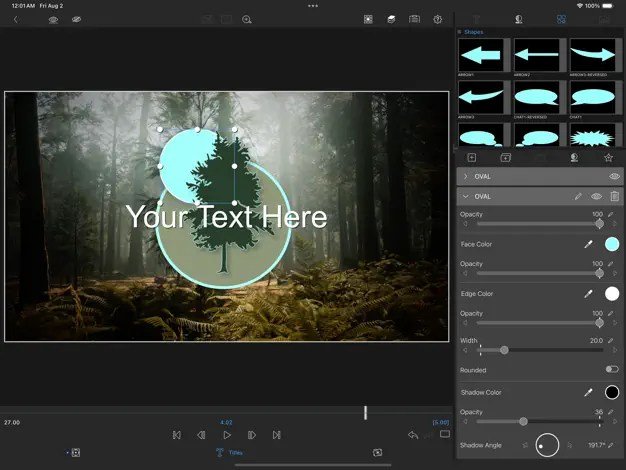
For video editors, LumaFusion provides a professional environment for 4K ProRes and HDR editing. It features advanced audio tools, voice-over recording, and multi-track layering. The app costs $29.99, with optional add-ons for multicam support and Final Cut Pro integration.
Canva
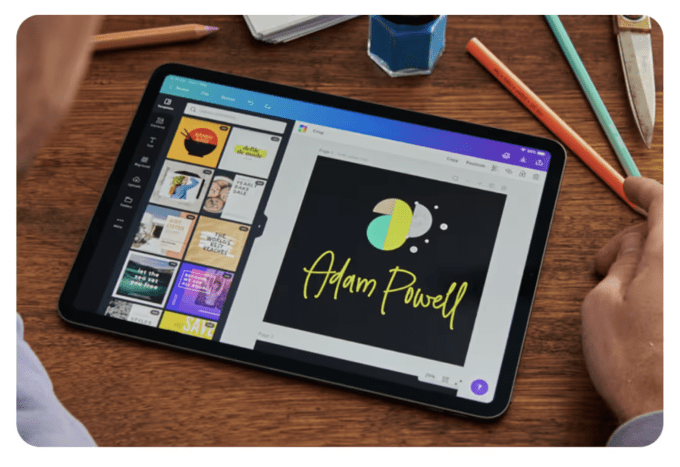
Canva simplifies visual content creation with over 250,000 templates and AI-powered features like “Magic Media.” While the app is free to use, a $12.99 monthly subscription provides access to premium templates and advanced AI tools.
Affinity Designer 2
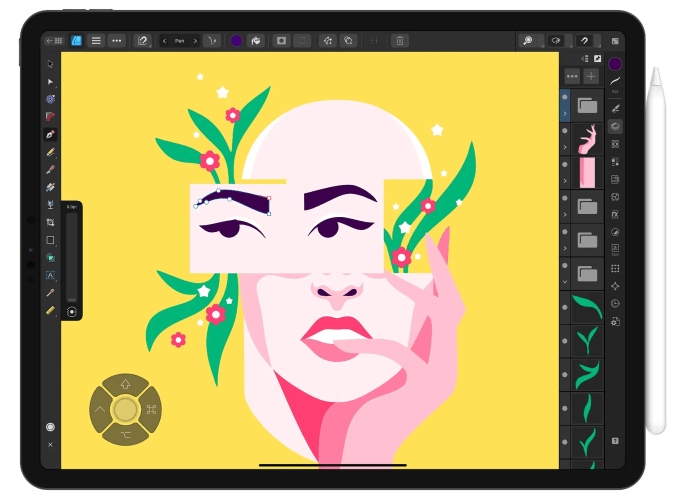
Affinity Designer 2 is a robust graphic design platform that merges vector and pixel-based tools. It offers precision control for professional illustrators and UI/UX designers, featuring zoom capabilities up to 1,000,000%. It is available for a $18.49 one-time payment.
Concepts
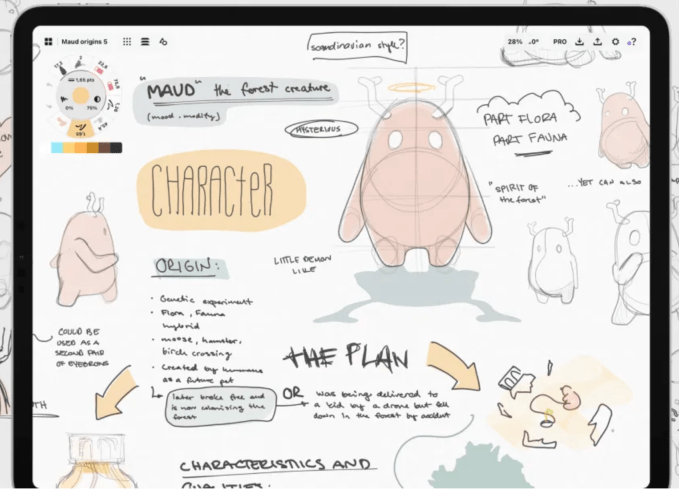
Concepts excels in experimental design, featuring flexible tools like Nudge, Slice, and Select. It is ideal for sketching, mind-mapping, and design planning. While basic features are free, a $4.99 monthly subscription adds advanced brush and editing options.
Tayasui Sketches
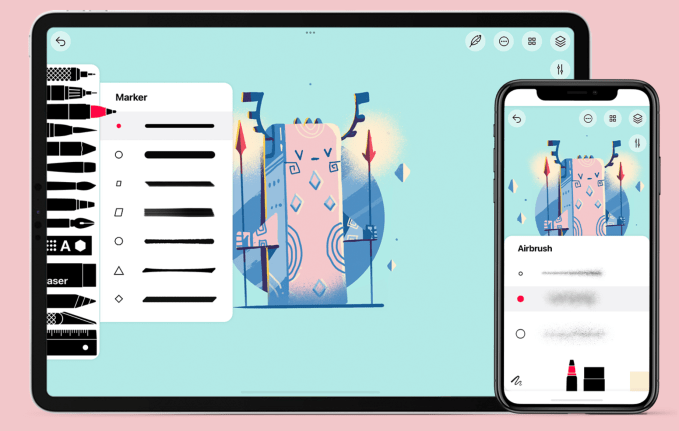
Tayasui Sketches provides a user-friendly interface with realistic watercolor and acrylic brushes. It includes a “Zen Mode” to minimize distractions. A $2.99 monthly subscription unlocks additional layers and brush editors.
Dudel Draw
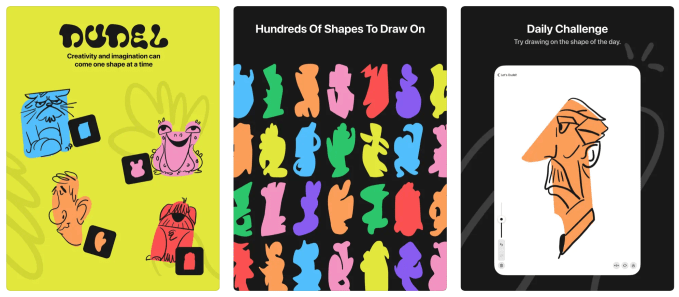
Dudel Draw encourages daily practice by providing a unique shape each day to serve as a creative starting point. The free app features rotation and flip tools, making it a great tool for sharpening artistic skills through daily challenges.
Sketchbook
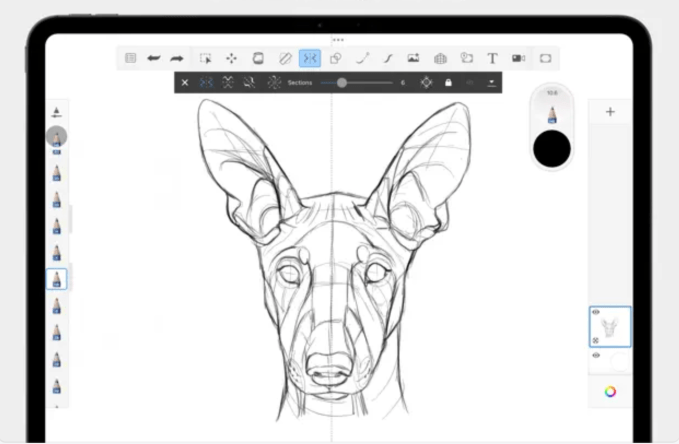
Sketchbook focuses on providing a natural, paper-like drawing experience with a clean interface. It includes a “predictive stroke” feature for smoother lines and highly customizable brushes. While free to use, a $2.99 one-time payment unlocks premium features such as advanced export options and additional brush sets.